 DreamSlop
Party games on the big screen, played on your phones
Put DreamSlop on a TV or laptop, everyone joins with their phone, and you're playing in a minute. Free, in the browser, nothing to install.
No sign-up needed for your first party.
Early Access: hosting is by invite for now. Ask us for one.
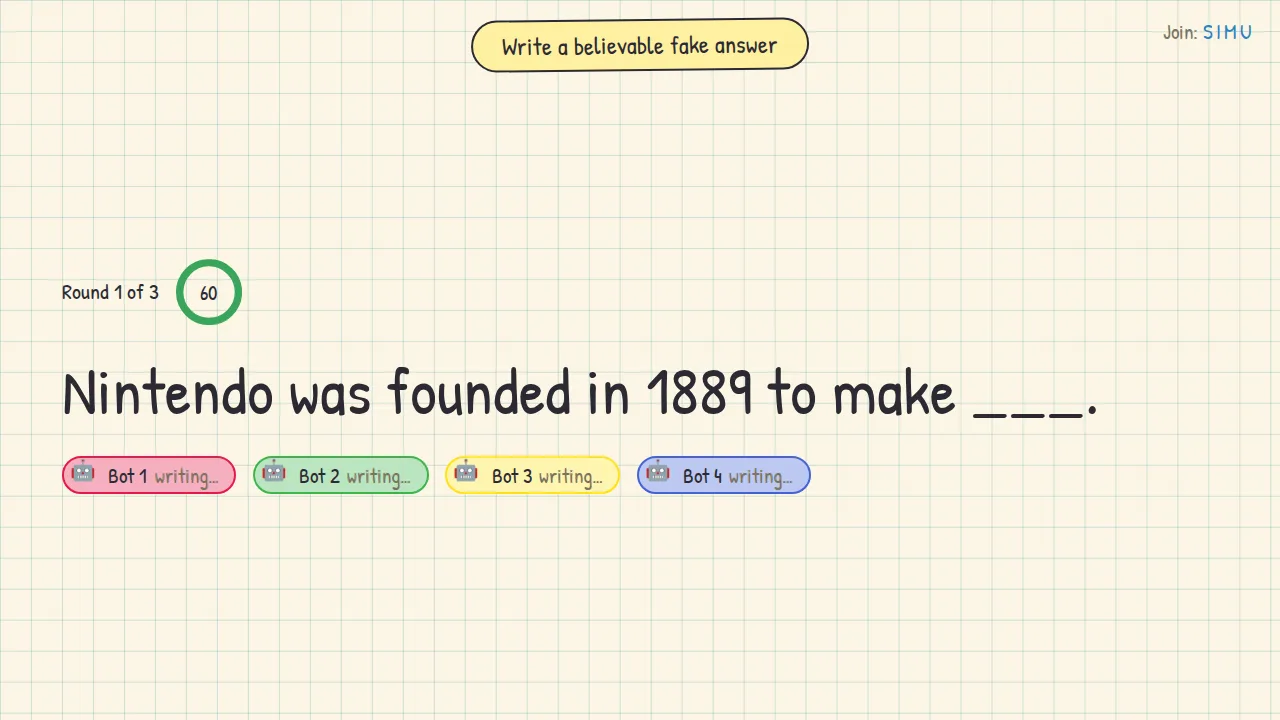
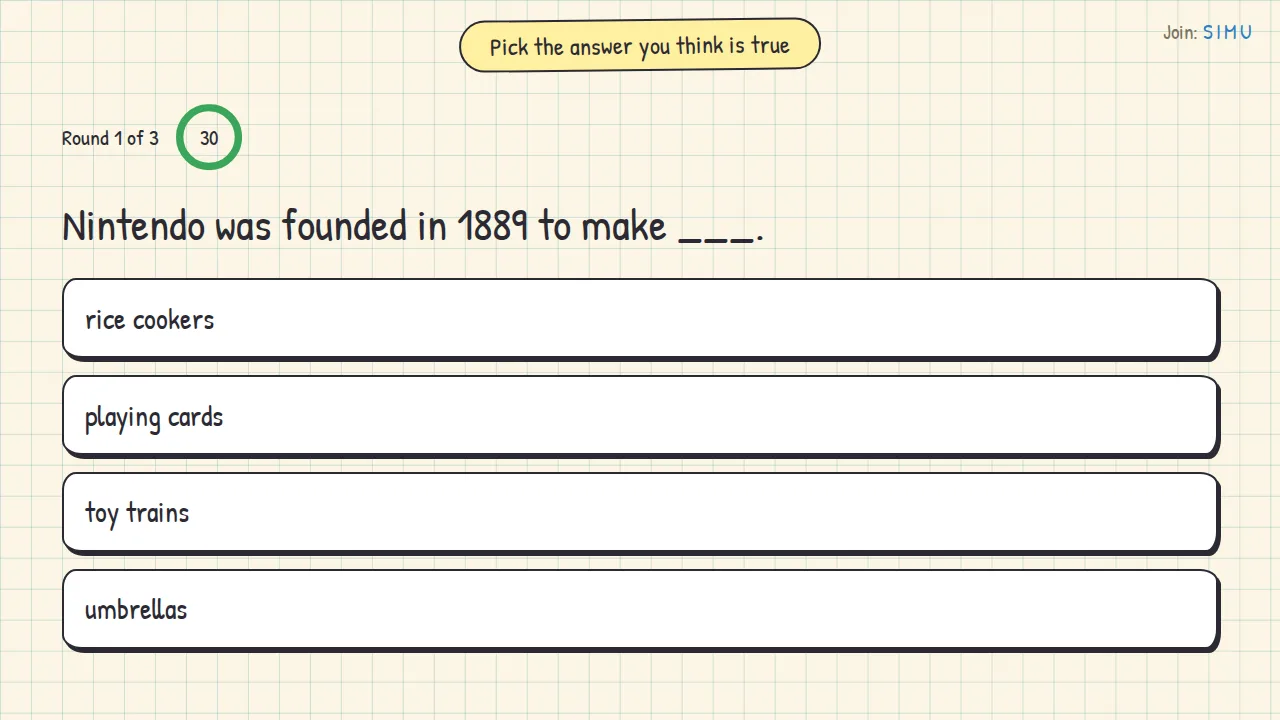
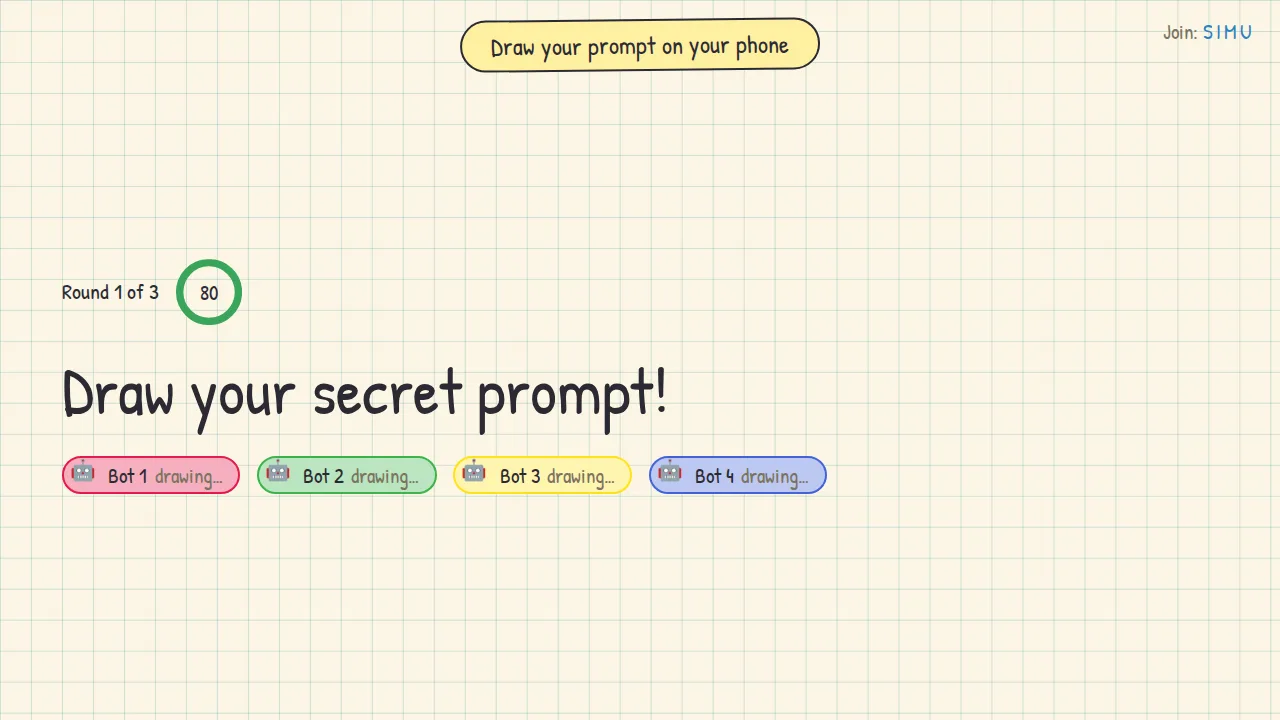
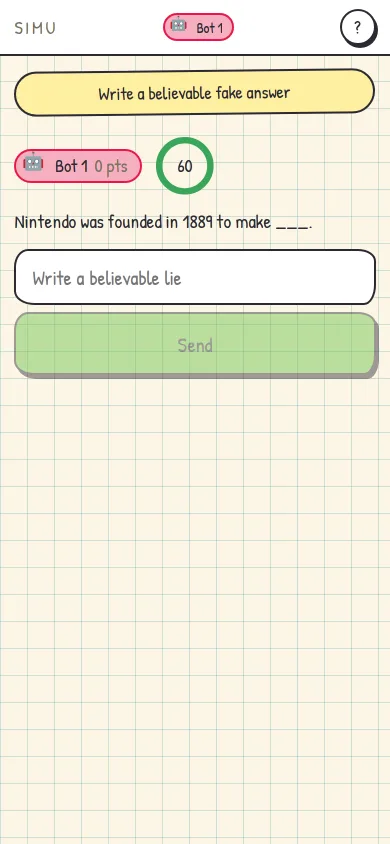
How it works
- 1
Pick a game
Choose one from the Library and start a party. It gives you a code for your friends.
- 2
Put it on a screen everyone can see
A TV, laptop or tablet with a web browser: open dslp.cc on it and scan its code with your phone. Hosting from a laptop? Use that. Some games need only phones.
- 3
Friends join on their phones, and you play
They scan the code on the screen. No app, no account. Each phone is a controller: your secret answers, your hand of cards, your joystick.
Games to try
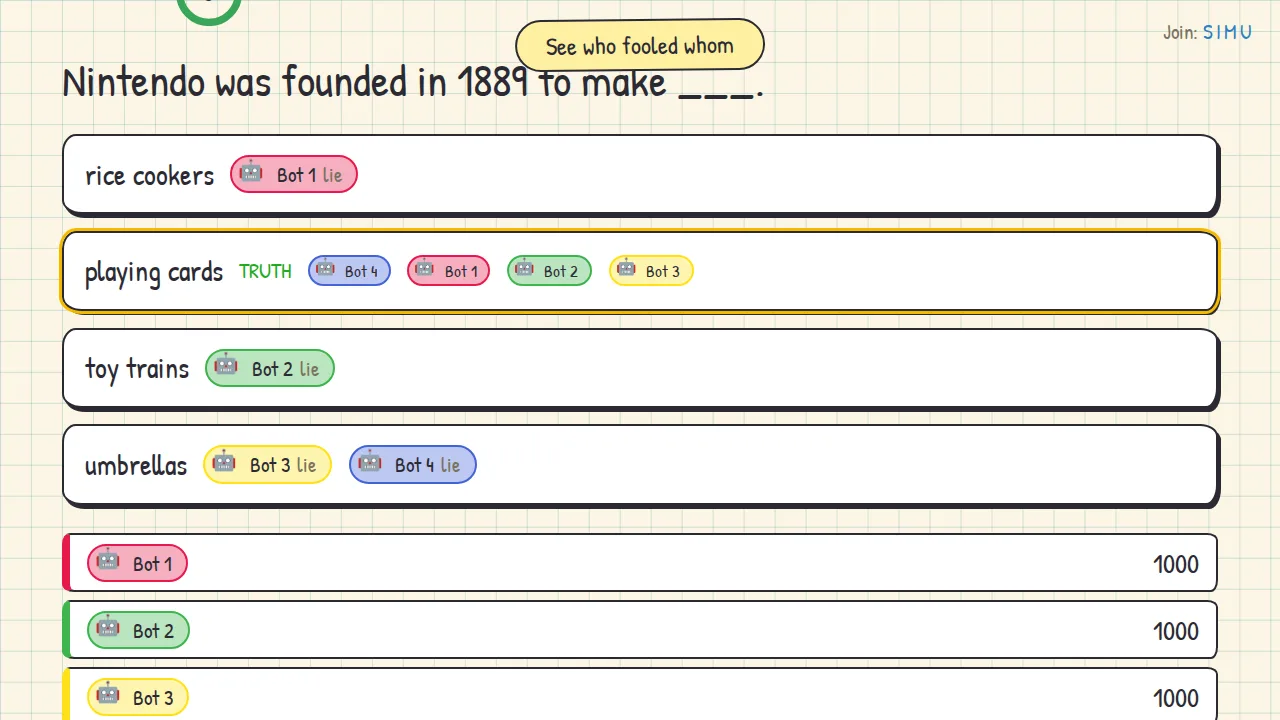
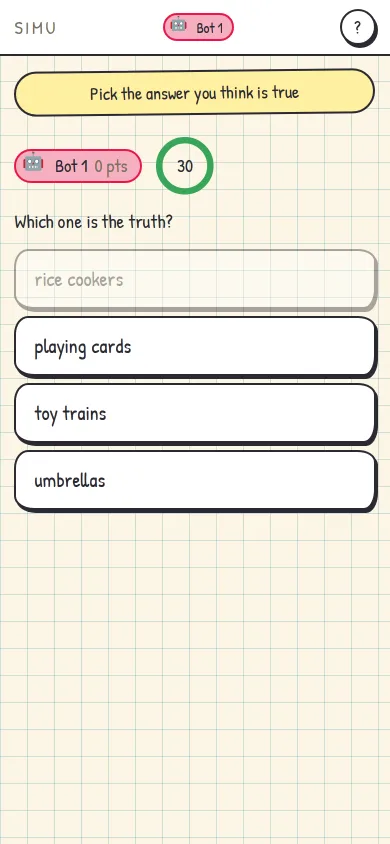
Fibber
Fool the others with a believable fake answer, and spot the real one.
2–8 players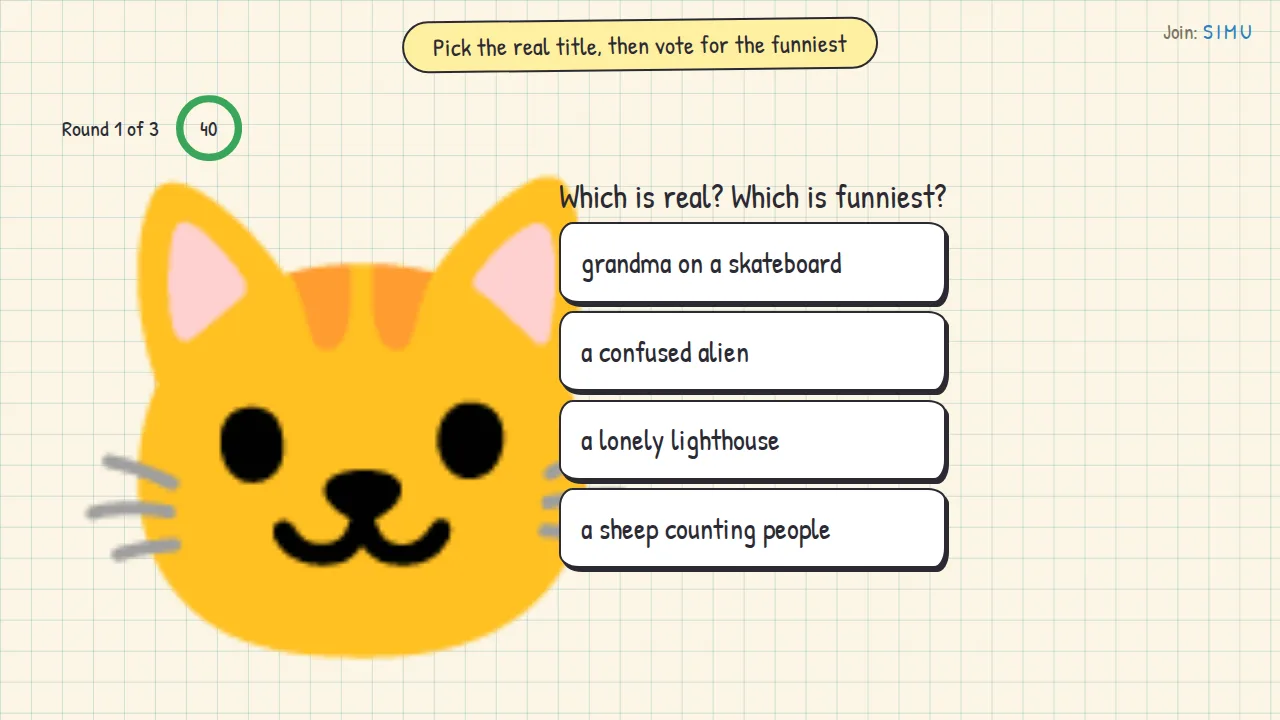
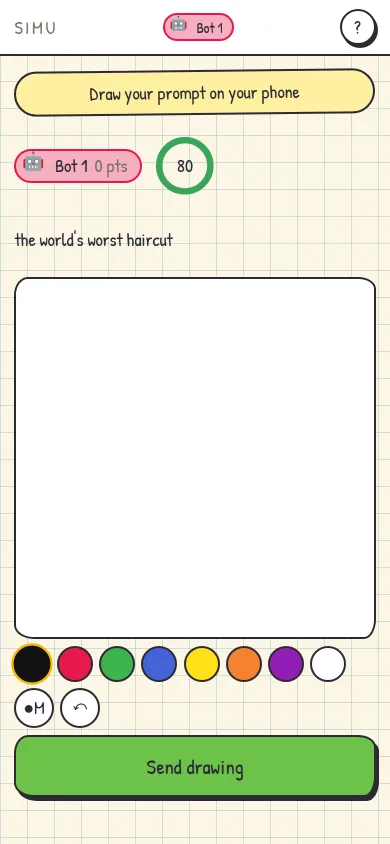
Doodle Duel
Draw well, write funny fake titles, and spot the real one.
3–8 players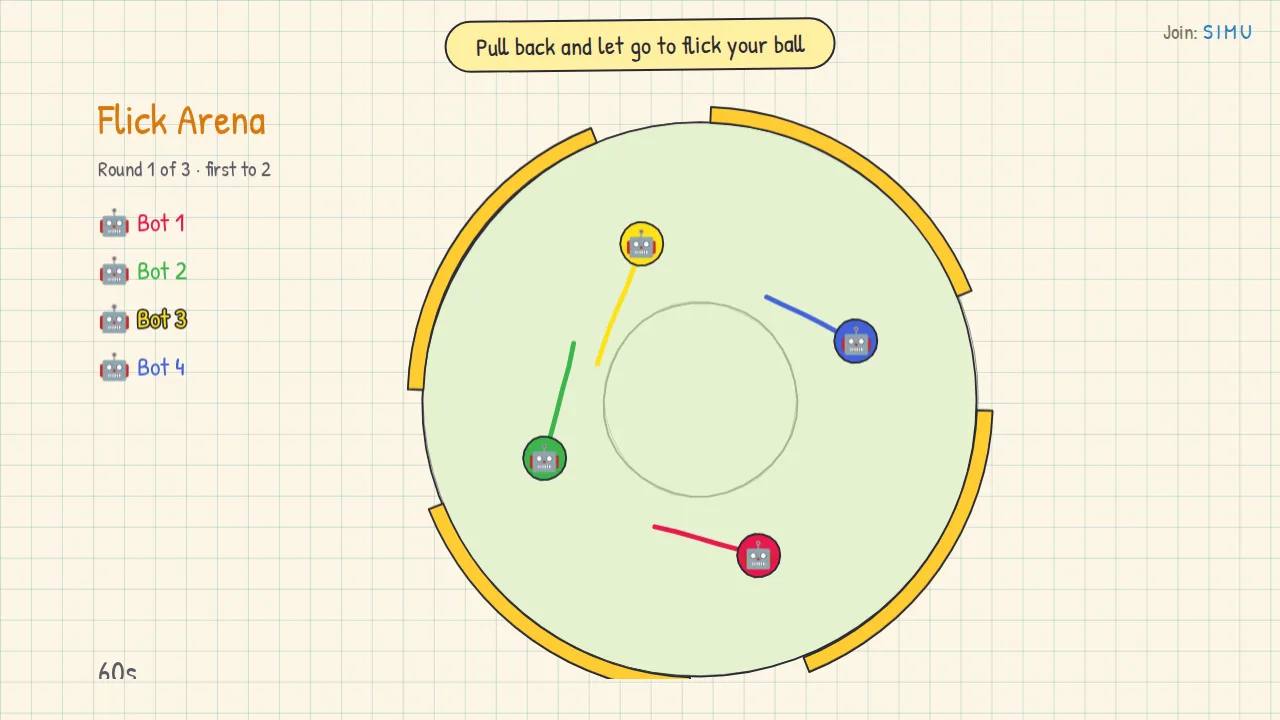
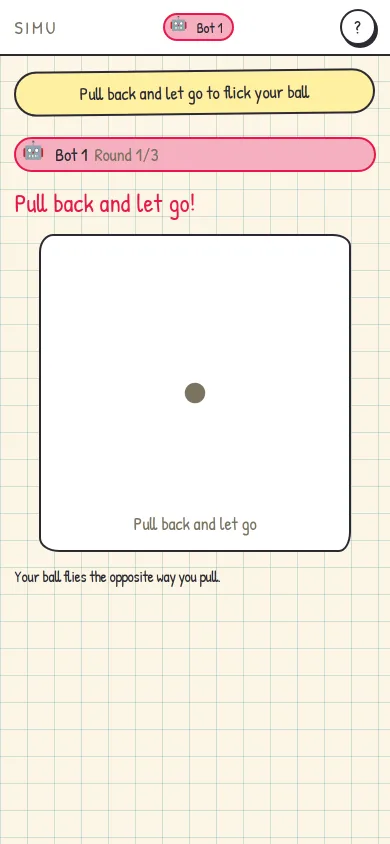
Flick Arena
Be the last ball standing by knocking the others out of the arena.
2–6 players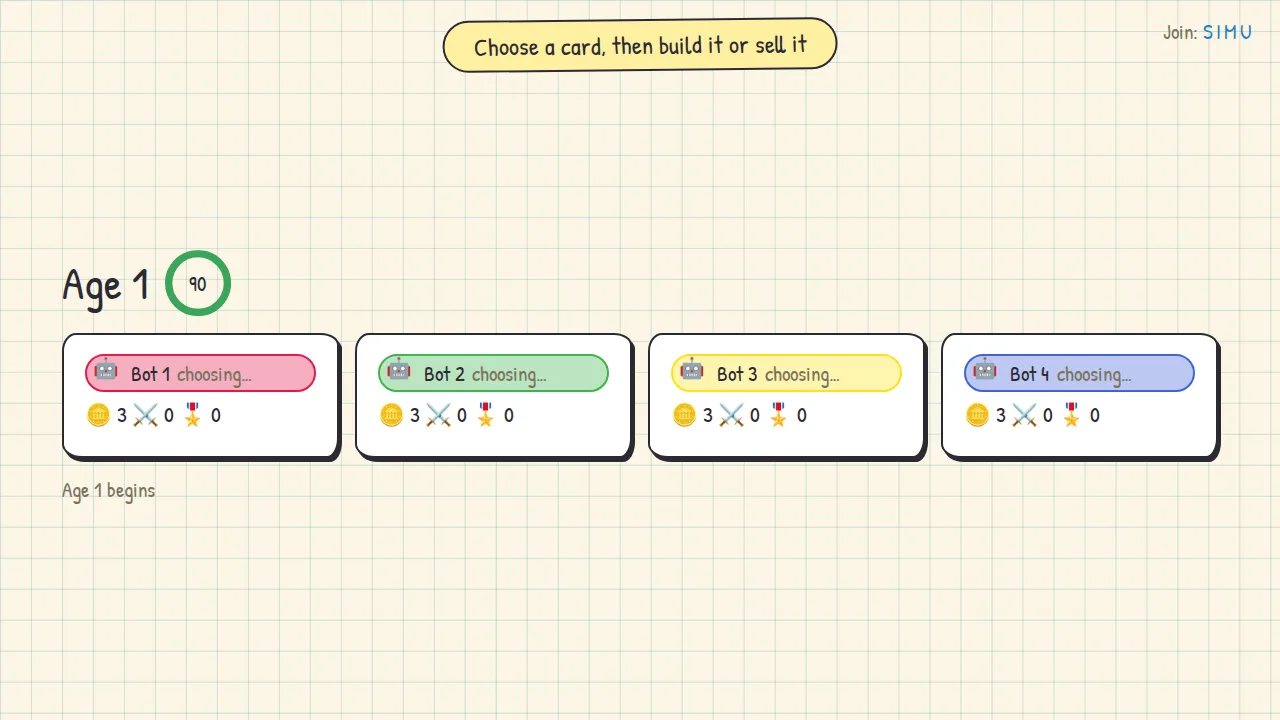
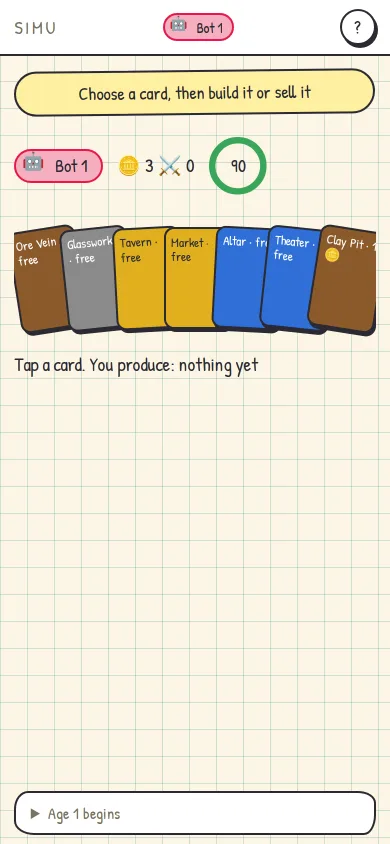
Seven Realms
Build the richest realm over three ages by drafting the best cards.
3–7 players
Dream up a game. Your AI builds it.
Games on DreamSlop are made by people describing them to an AI assistant. You can make one too, with the assistant you already use: Claude, ChatGPT, Cursor and others. No coding needed.
- 1
Connect your assistant
Add DreamSlop to it once, as a connector. You keep using your own assistant and its plan.
- 2
Describe your game
"A quiz about our office, with a buzzer round and a prize for the worst answer." It writes the game and tests it with bots.
- 3
Play it tonight
Host it with your friends, then keep changing it. Every version is kept, so you can always go back.
Building is in Early Access
To build, sign in and ask from your account page, and we'll switch it on.
No account yet? Sign-up is by invite for now, so ask us for an invite to build.
Ask to buildQuestions
Do players need an app or an account?
No. Players join in their phone's web browser by scanning the code on the shared screen, or by going to dreamslop.com and typing the party's code. Whoever hosts can try a first party without an account too, and signs up, free, to host again.
Is it free?
Yes. Hosting a Room uses Scribbles, DreamSlop's free play tokens: you start with 90 and get more every Monday. Your first Room of each game is free, and there is nothing to buy.
What can I use as the shared screen?
Anything with a web browser that everyone can see: a smart TV, a laptop plugged into a TV, a computer or a tablet. Open dslp.cc on it and pair it with your phone, or host from a laptop and use that. Some games don't need a shared screen at all.
How many people can play?
It depends on the game; each one says. Most take 3 to 8 players, and some work with 2.
Can we play when we're not in the same room?
Yes. Players can join from anywhere with the party's code. For games with a shared screen, share it on your video call.
How do I make my own game?
Connect your own AI assistant, such as Claude, ChatGPT or Cursor, to DreamSlop, then describe the game you want. It writes the game, tests it with bots and publishes it for you to play. No coding needed. During Early Access, ask to build from your account page and we'll switch it on.
Does DreamSlop charge for the AI?
No. You use the assistant you already have, on its own plan. DreamSlop never calls an AI model itself.
Who can sign up?
DreamSlop is in Early Access. Hosts need to be 13 or over. Anyone under 13 should play with a parent or carer there.